Unit 4 · 15 min read
Exception Handling, Strings and Wrapper Classes
What the syllabus asks for 5
- Exceptions
- Strings
- Wrapper classes, Math, dates
- Two pictures: the exception family and the string pool
- Eight benefits of exception handling and of immutable strings
Programs meet errors: bad input, missing files, broken networks. Java makes error handling a structured part of the language through exceptions.
This unit covers the exception hierarchy, try/catch/finally, custom exceptions and try-with-resources, then the string classes and the wrapper classes that every program uses.
- The
Throwablehierarchy; checked versus unchecked exceptions. try/catch/finally,throw/throws, multi-catch, custom exceptions, try-with-resources.Stringimmutability, the string pool,StringBuilder, common methods andregex.- Wrapper classes, autoboxing,
Math, and date/time basics.
4.1 Exceptions
An exception is an object that represents an abnormal event; when one is thrown, normal flow stops and the JVM looks up the call stack for a matching handler; if none exists the thread ends and prints a stack trace.
Throwable
├── Error                      (JVM problems: OutOfMemoryError, StackOverflowError; do not catch)
└── Exception
    ├── IOException, SQLException, InterruptedException …   CHECKED: must be caught or declared
    └── RuntimeException                                     UNCHECKED
        ├── NullPointerException, ArithmeticException
        ├── ArrayIndexOutOfBoundsException, ClassCastException
        └── IllegalArgumentException (NumberFormatException), IllegalStateException
- Checked exceptions are recoverable conditions outside the program's control (a missing file); the compiler forces you to handle or declare them with
throws. - Unchecked (
RuntimeException) exceptions are usually programming bugs; fix the code instead of catching.
class InsufficientFundsException extends Exception {
    InsufficientFundsException(String m) { super(m); }
}
class Res implements AutoCloseable {
    String n;
    Res(String n) { this.n = n; System.out.println("open " + n); }
    public void close() { System.out.println("close " + n); }
}
public class Errors {
    static void withdraw(double bal, double amt) throws InsufficientFundsException {
        if (amt > bal) throw new InsufficientFundsException("Need " + (amt - bal) + " more");
    }
    @SuppressWarnings("finally")
    static int f() { try { return 1; } finally { System.out.println("finally runs"); } }
    public static void main(String[] a) {
        try { withdraw(100, 150); } catch (InsufficientFundsException e) { System.out.println(e.getMessage()); }
        try { int[] x = new int[2]; x[2] = 1; } catch (ArrayIndexOutOfBoundsException e) { System.out.println("AIOOBE: " + e.getMessage()); }
        try { Integer.parseInt("12x"); } catch (NumberFormatException e) { System.out.println(e.getMessage()); }
        try (Res r1 = new Res("A"); Res r2 = new Res("B")) { System.out.println("body"); }
        System.out.println(f());
        String s = null;
        try { s.length(); } catch (NullPointerException e) { System.out.println("NPE"); }
        try { System.out.println(10 / (a.length)); } catch (ArithmeticException e) { System.out.println("Arithmetic: " + e.getMessage()); }
    }
}
Need 50.0 more
AIOOBE: Index 2 out of bounds for length 2
For input string: "12x"
open A
open B
body
close B
close A
finally runs
1
NPE
Arithmetic: / by zero
Rules and idioms
tryneeds at least onecatchor afinally.finallyalways runs (even afterreturn), so use it to release resources; try-with-resources closesAutoCloseableresources automatically, in reverse order, as seen above.- Catch specific exceptions first, general last; multi-catch:
catch (IOException | SQLException e). throw new X(…)raises;throws Xin a method signature declares; rethrow or wrap:throw new ServiceException("load failed", e)preserves the cause.- Never swallow exceptions silently (
catch (Exception e) {}); log them or rethrow. Do not use exceptions for ordinary control flow. - A method overriding another cannot declare broader checked exceptions.
- Stack trace reads top-down: the first line is where it was thrown, the lines below are the callers.
e.printStackTrace()for diagnostics. - Assertions (
assert x > 0 : "msg";, enabled withjava -ea) check internal invariants during testing.
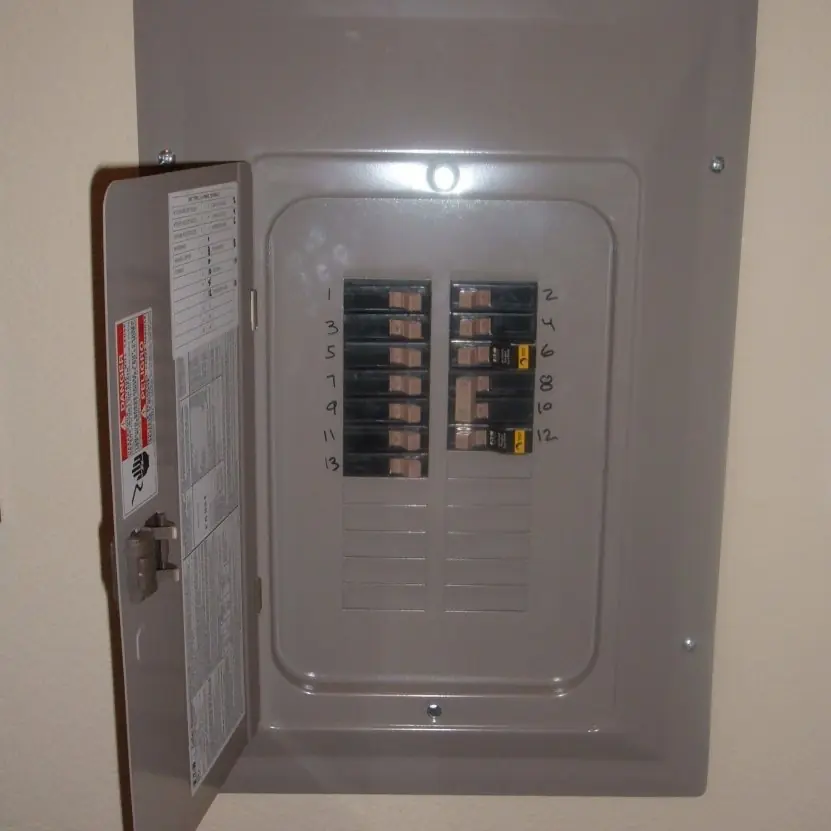
Exceptions as circuit breakers
A circuit breaker cuts one faulty circuit so the rest of the house keeps its power. An exception handler does the same for a program: the fault is thrown, caught at a chosen place, and the other work goes on.
Java's own rules decide which exception a fault raises. Plate 4.1 lists five everyday faults, the exception each one throws and whether it is checked (the compiler forces you to handle it) or unchecked.

4.2 Strings
String is an immutable sequence of UTF-16 characters: no method changes it, they return a new string. Because of this, string literals can be shared in the string pool.
public class Strings {
    public static void main(String[] a) {
        String s1 = "hello", s2 = "hel" + "lo", s3 = new String("hello");
        System.out.println((s1 == s2) + " " + (s1 == s3) + " " + s1.equals(s3));
        StringBuilder sb = new StringBuilder();
        for (int i = 0; i < 5; i++) sb.append(i).append(',');
        sb.setLength(sb.length() - 1);
        System.out.println(sb.reverse());
        System.out.println(String.join("-", "a", "b", "c") + " " + "a,b,,c".split(",").length);
        System.out.println("Java".compareTo("Jav") + " " + "b".compareTo("a"));
        System.out.println(String.valueOf(3.5) + 1 + 2);
        System.out.println("  Trim Me ".strip().toLowerCase().replace('m', 'n').contains("tri"));
        System.out.println("banana".indexOf("an") + " " + "banana".lastIndexOf("an") + " " + "banana".chars().filter(c -> c == 'a').count());
        System.out.println("madam".contentEquals(new StringBuilder("madam").reverse()));
    }
}
true false true
4,3,2,1,0
a-b-c 4
1 1
3.512
true
1 3 3
true
| Class | Mutable | Thread-safe | Use |
|---|---|---|---|
String |
no | yes (immutable) | fixed text, keys |
StringBuilder |
yes | no | building strings in a loop (fast) |
StringBuffer |
yes | yes (synchronised) | legacy shared use |
Why StringBuilder: s += x in a loop creates a new string each time, giving O(n²) copying; a builder appends in amortised O(1).
Frequent methods: length, charAt, substring(i, j), indexOf, lastIndexOf, contains, startsWith, endsWith, equals, equalsIgnoreCase, compareTo, toUpperCase, toLowerCase, trim/strip, replace, split(regex), isEmpty/isBlank, format, join, repeat, toCharArray, String.valueOf(x).
Text blocks ("""…""") hold multi-line text. Regular expressions (java.util.regex): "2082-05-14".matches("\\d{4}-\\d{2}-\\d{2}") is true; Pattern/Matcher find groups. Since == compares references, always use equals for content.
Strings are shared, and never change
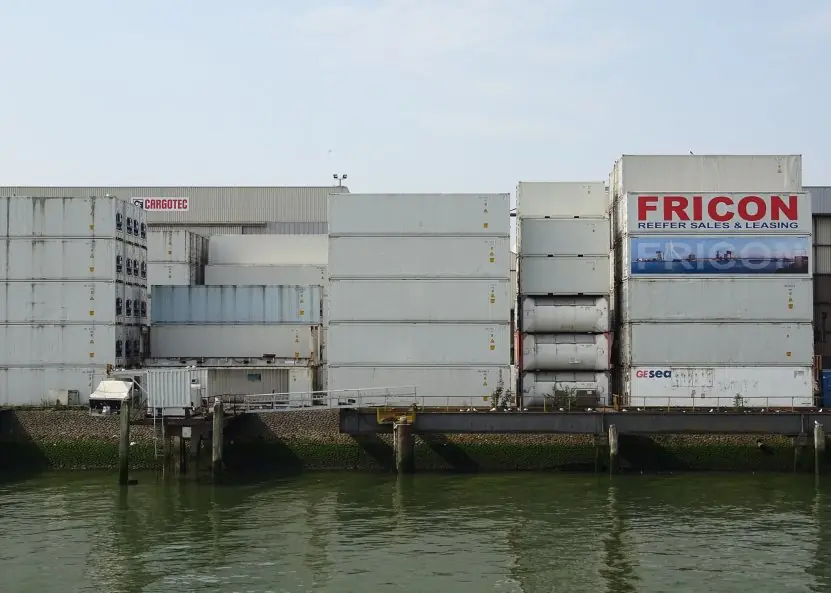
The Java string pool keeps one copy of each literal, so identical literals are one object, like identical containers stacked in a yard that all hold the same standard cargo. new String("NEB") deliberately makes a second object, so == between them is false although equals is true.
Strings are immutable, so s = s + x in a loop builds a new string each time and copies all the old characters; for n appends that is 1 + 2 + ... + n copies, against only n for a StringBuilder. Plate 4.2 shows both facts.

4.3 Wrapper classes, Math, dates
Each primitive has a wrapper: Integer, Long, Double, Boolean, Character (…).
They are needed for generics (List<Integer>), carry utilities (Integer.parseInt("42"), Integer.toBinaryString(10) = "1010", Integer.MAX_VALUE, Double.compare, Character.isDigit) and may be null.
Autoboxing/unboxing is automatic, and unboxing a null throws NullPointerException. Caution: Integer a = 127, b = 127; a == b is true (cache of −128…127) but with 1000 it is false; use equals.
Math: abs, pow, sqrt, max, min, round, floor, ceil, random, hypot; Math.floorMod(-7, 3) is 2 whereas -7 % 3 is −1. For money use java.math.BigDecimal, not double (0.1 + 0.2 is 0.30000000000000004).
Dates: java.time.LocalDate.of(2026, 5, 14).plusDays(30), LocalDateTime, Duration, DateTimeFormatter; avoid the old Date.
4.4 Two pictures: the exception family and the string pool
Every error in Java is an object of a class under Throwable (Figure 4.1). Errors such as OutOfMemoryError signal that the JVM itself is in trouble and are not normally caught. Exceptions are problems a program can handle.
Those under RuntimeException are unchecked (programming bugs such as a bad index or a null reference); every other exception, such as IOException, is checked, and the compiler forces you to catch it or declare it with throws.
Figure 4.2 explains why strings need care: a String never changes, and identical literals share one object in the string pool, whereas new String("nepal") always creates another object on the heap.
That is why == on strings is unreliable and equals must be used.


4.5 Eight benefits of exception handling and of immutable strings
- Programs survive errors. A caught exception lets the program recover, for example by asking the user for a new file name. Without it the program would stop at the first problem. A bank's mobile app must not crash because one request had a bad value.
- Error code is separated from normal code. The
tryblock holds the main logic and thecatchblocks hold the repair. The normal path stays easy to read instead of being buried under manyifchecks. - Errors travel upward. If a method cannot handle a problem it lets the exception pass to the caller, which may know what to do. A low-level file reader can report failure and the screen code can show a message to the user.
- Compiler-enforced care. Checked exceptions force the programmer to plan for failures such as a missing file or a network break. This reduces nasty surprises after deployment.
- Clean-up is guaranteed. The
finallyblock, or try-with-resources, always runs, so files and database connections are closed. This prevents resource leaks in a server that runs for weeks. - Meaningful custom errors. You can define your own exception, such as
InsufficientFundsException, with a clear message. Support staff then see exactly what went wrong instead of a vague failure. - Safe sharing of strings. Because a
Stringcan never change, many parts of a program can share one object without surprises. This also makes strings safe as keys in aHashMapand safe between threads. - Memory and speed savings. The string pool stores each distinct literal once, and the hash code of a string is cached. A program that uses the word "Kathmandu" thousands of times keeps just one copy.
Formula and fact sheet
- Checked: must handle or declare. Unchecked (
RuntimeException): bugs.Error: do not catch. finallyalways runs; try-with-resources closes in reverse order.- Catch specific before general; never swallow; keep the cause when wrapping.
Stringimmutable;==compares references,equalscompares content; useStringBuilderin loops.- Wrapper cache −128…127; unboxing
null→ NPE. UseBigDecimalfor money.
Chapter summary
- Exceptions separate error handling from normal logic; the compiler enforces handling of checked ones.
try-with-resourcesandfinallyguarantee clean-up.- Strings are immutable shared objects; builders make repeated modification efficient.
- Wrapper classes bridge primitives and objects, with pitfalls around
nulland==.
Practice
- Differentiate checked and unchecked exceptions with two examples each.
- What is the output of a method with
try { return 1; } finally { print("F"); }? - Write a custom checked exception
InvalidAgeExceptionand a method that throws it for age < 0 or > 120. - Explain try-with-resources and why it is better than
finallyfor closing a file. - Why is
Stringimmutable? Give two benefits. - Compare the time to build a string of 100,000 characters with
+=and withStringBuilder. - Write a method that checks whether a string is a palindrome ignoring case and spaces.
- Count the words in a sentence using
split("\\s+"). - Why is
new Integer(5) == new Integer(5)false whileInteger.valueOf(5) == Integer.valueOf(5)is true? - Compute 0.1 + 0.2 with
doubleand withBigDecimaland explain the difference.
Answers and worked solutions
1. Checked: IOException, SQLException (compile-time enforced). Unchecked: NullPointerException, ArrayIndexOutOfBoundsException (bugs).
2. Prints F, then the method returns 1.
3. class InvalidAgeException extends Exception { InvalidAgeException(String m){ super(m);} } and static void check(int age) throws InvalidAgeException { if (age < 0 || age > 120) throw new InvalidAgeException("Invalid age: " + age); }.
4. Resources declared in the try (…) header are closed automatically, in reverse order, even on exceptions, and exceptions from close() are attached as suppressed rather than hiding the original one.
5. Immutability makes strings safe to share between threads and to use as hash keys, and it allows the string pool to save memory (also security: a file name cannot change after checking).
6. += copies the whole string on each append: about n²/2 = 5 × 10⁹ character copies for n = 100,000 (seconds); StringBuilder is linear (milliseconds).
7. String t = s.replaceAll("\\s+", "").toLowerCase(); return new StringBuilder(t).reverse().toString().equals(t);
8. sentence.trim().split("\\s+").length (guard against an empty string).
9. new always creates a distinct object; valueOf returns cached objects for −128…127.
10. 0.1 + 0.2 as double is 0.30000000000000004 because binary floating point cannot represent 0.1 exactly. new BigDecimal("0.1").add(new BigDecimal("0.2")) is exactly 0.3 (always build from strings).
Model answers: medium (5 marks) and long (10 marks) questions
Q1 (5 marks). Explain exception handling in Java with try, catch, finally, throw and throws. Distinguish checked and unchecked exceptions.
Introduction. An exception is an object that represents an abnormal event during execution. Exception handling lets a program deal with it without crashing (Figure 4.1).
Keywords.
try. Encloses code that may fail.catch. Handles one exception type; several catch blocks are checked from top to bottom, so the specific type comes first.finally. Runs whether or not an exception occurred; used for clean-up.throw. Raises an exception explicitly:throw new IllegalArgumentException("...").throws. In a method header, declares the checked exceptions the method may pass to its caller.
Checked versus unchecked. Checked exceptions (IOException, user-defined subclasses of Exception) must be caught or declared. Unchecked exceptions (subclasses of RuntimeException) need not be, because they usually show a bug.
public class ExcDemo {
    static class InsufficientFundsException extends Exception {
        InsufficientFundsException(String m) { super(m); }
    }
    static int parse(String s) {
        try { return Integer.parseInt(s); }
        catch (NumberFormatException e) { System.out.println("bad number: " + s); return -1; }
        finally { System.out.println("finally for " + s); }
    }
    static void withdraw(double bal, double amt) throws InsufficientFundsException {
        if (amt > bal) throw new InsufficientFundsException("need Rs " + (amt - bal) + " more");
    }
    public static void main(String[] args) {
        System.out.println(parse("42"));
        System.out.println(parse("4x2"));
        try { withdraw(500, 800); } catch (InsufficientFundsException e) { System.out.println("Caught: " + e.getMessage()); }
        try { int[] a = new int[2]; a[2] = 1; }
        catch (ArrayIndexOutOfBoundsException | ArithmeticException e) { System.out.println("Unchecked: " + e.getMessage()); }
    }
}
finally for 42
42
bad number: 4x2
finally for 4x2
-1
Caught: need Rs 300.0 more
Unchecked: Index 2 out of bounds for length 2
Conclusion. The output shows finally running in both cases. Use checked exceptions for failures a caller can reasonably handle and unchecked ones for programming mistakes.
Q2 (10 marks). Explain the String, StringBuilder and StringBuffer classes. Why is String immutable? Illustrate the string pool and common methods with a program.
Introduction. Text in Java is handled by three classes. String is immutable; StringBuilder and StringBuffer are mutable buffers for building text.
Key points.
- Immutability. A
Stringobject never changes; methods liketoUpperCase()return a new object. - Reasons. Safe sharing, safe use as hash keys, thread safety, security (file names, class names) and pooling.
- String pool. Literals with equal text share one object (Figure 4.2);
new Stringcreates another;intern()returns the pooled one. - Comparison.
==compares addresses;equalscompares characters;compareTogives alphabetical order. - Common methods.
length,charAt,substring,indexOf,replace,split,trim,toLowerCase. StringBuilder. Mutable, not synchronised, fast; use it to build text in loops.StringBuffer. Mutable and synchronised (thread-safe) but slower.- Concatenation in loops.
s += xcreates a new object each time, so n additions cost about n² copying; a builder costs about n.
public class StringDemo {
    public static void main(String[] args) {
        String a = "nepal", b = "nepal", c = new String("nepal");
        System.out.println(a == b);
        System.out.println(a == c);
        System.out.println(a.equals(c));
        System.out.println(a == c.intern());
        String s = "Tribhuvan University";
        System.out.println(s.toUpperCase() + " | original still: " + s);
        System.out.println(s.substring(0, 8) + " " + s.indexOf("Uni") + " " + s.length());
        int vowels = 0;
        for (char ch : s.toLowerCase().toCharArray()) if ("aeiou".indexOf(ch) >= 0) vowels++;
        System.out.println("vowels = " + vowels);
        StringBuilder sb = new StringBuilder();
        for (String w : s.split(" ")) sb.insert(0, w + " ");
        System.out.println(sb.toString().trim() + " | reversed: " + new StringBuilder(s).reverse());
    }
}
true
false
true
true
TRIBHUVAN UNIVERSITY | original still: Tribhuvan University
Tribhuva 10 20
vowels = 7
University Tribhuvan | reversed: ytisrevinU navuhbirT
| Class | Mutable | Thread-safe | Use |
|---|---|---|---|
String |
no | yes (immutable) | fixed text, keys |
StringBuilder |
yes | no | building text, single thread |
StringBuffer |
yes | yes | building text shared by threads |
Conclusion. Strings are immutable so they can be pooled and shared safely; compare content with equals, and use StringBuilder when text is assembled in a loop.