Chapter 3 · General IT · 3 questions in the paper · 16 min read
Computer Fundamentals, Hardware and Software
What the syllabus asks for 3
- Generations, types and parts of a computer
- Input, output and storage devices, memory
- System and application software, operating systems, number systems
General IT carries about five of the ten GK-and-IT questions: three on computer fundamentals (this chapter) and two on the Internet, HTML, programming and full forms (the next).
The Dean's Office model asked "which is not an output device" (OCR), SSD/storage, and the father of the computer. Everything here is stable knowledge; learn the tables.
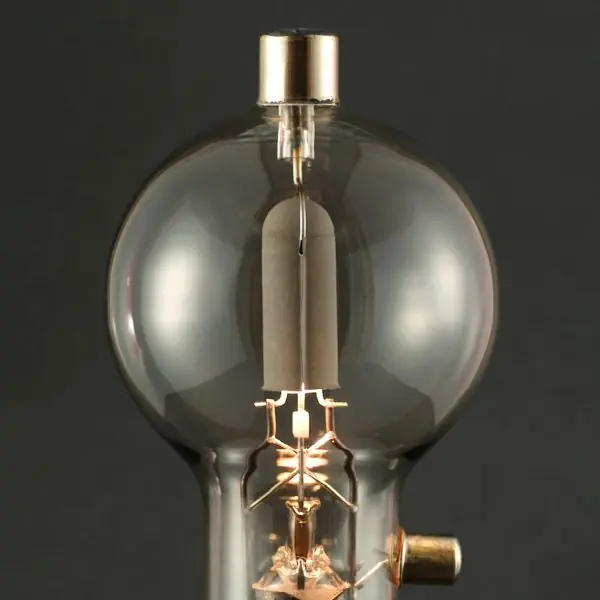
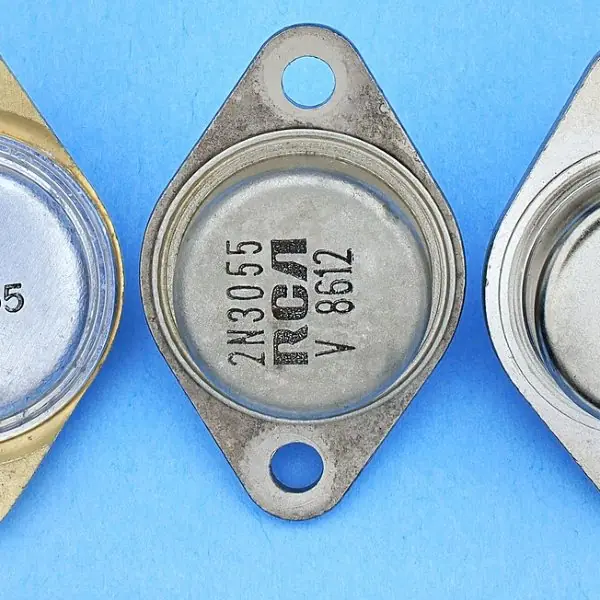
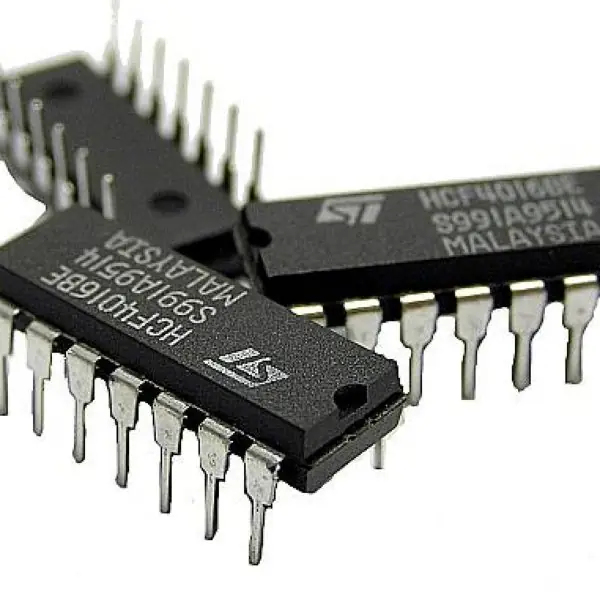
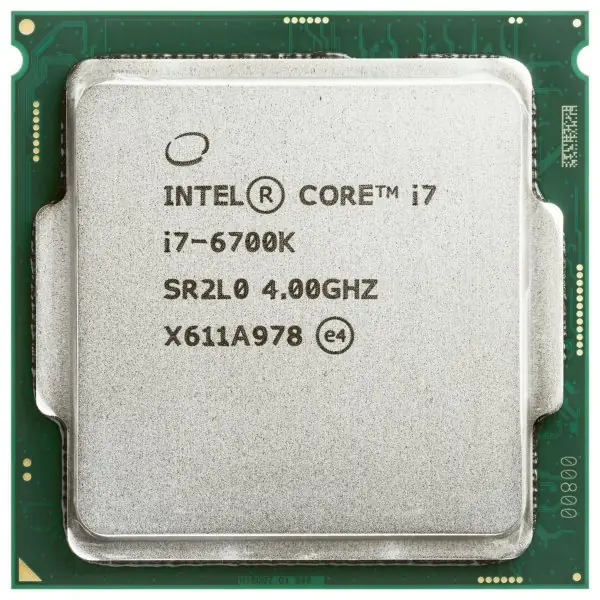
- Generations: vacuum tube → transistor → IC → microprocessor → AI.
- Devices: which are input, output, storage.
- Memory: RAM is volatile, ROM is not; units (byte, KB, MB, GB).
- Software: system vs application; operating systems.
- Number systems: binary, octal, hexadecimal conversions.
3.1 Generations, types and parts of a computer
| Generation | Technology |
|---|---|
| First (1940–56) | vacuum tubes (ENIAC) |
| Second (1956–63) | transistors |
| Third (1964–71) | integrated circuits |
| Fourth (1971– ) | microprocessors |
| Fifth | artificial intelligence |
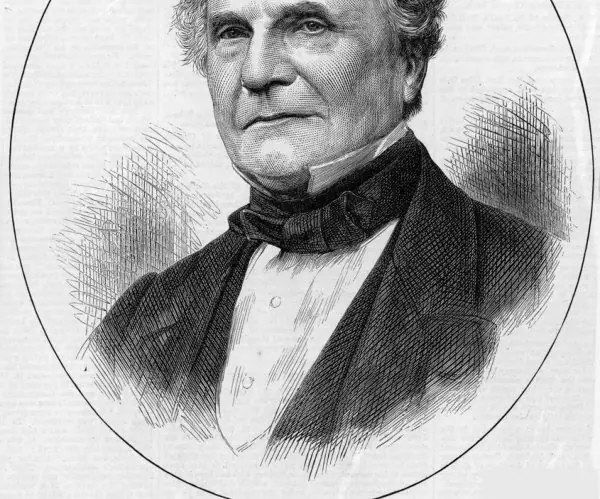
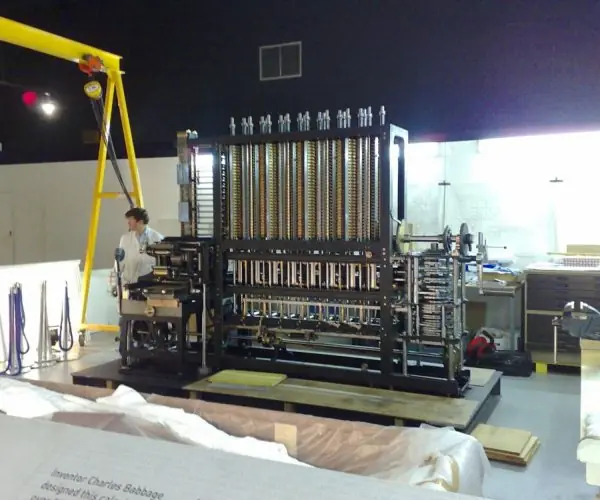
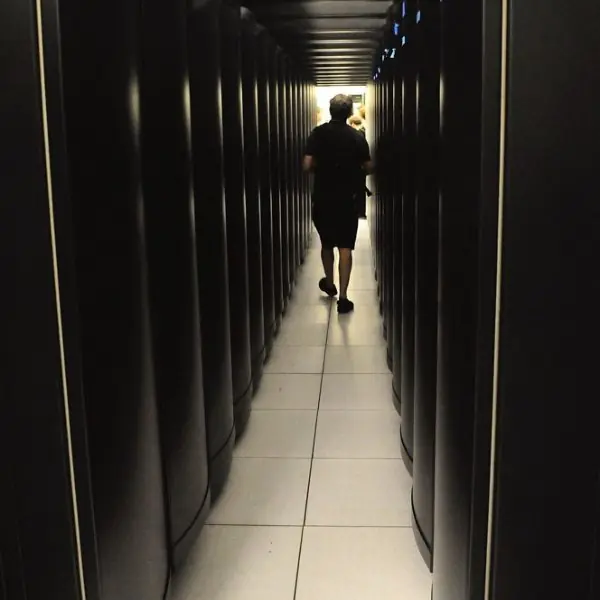
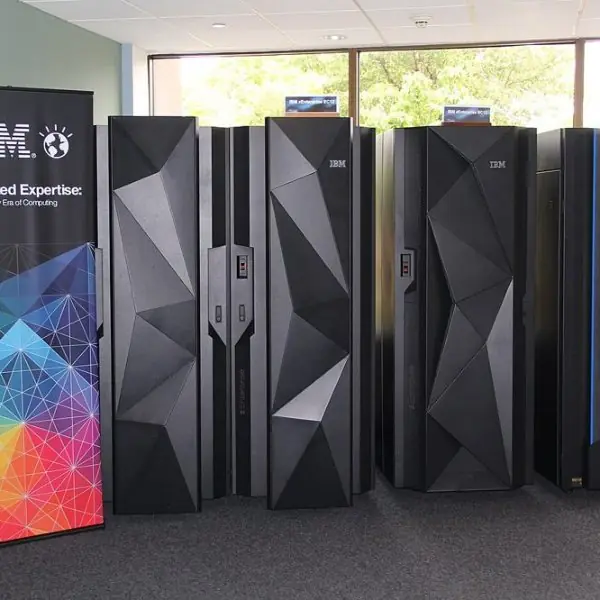
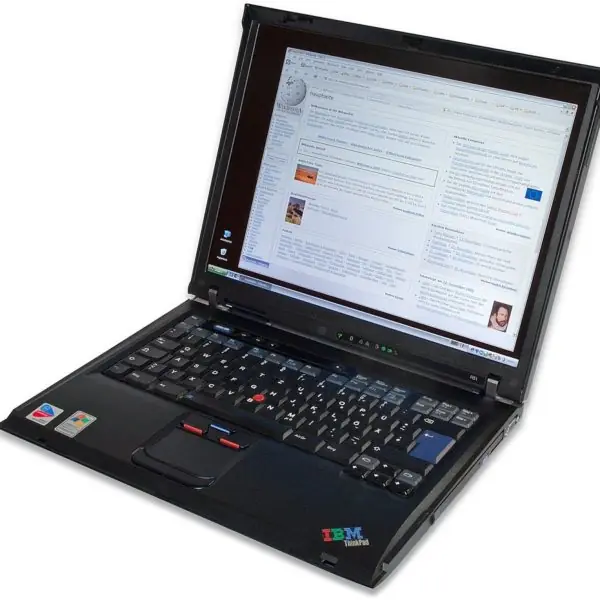
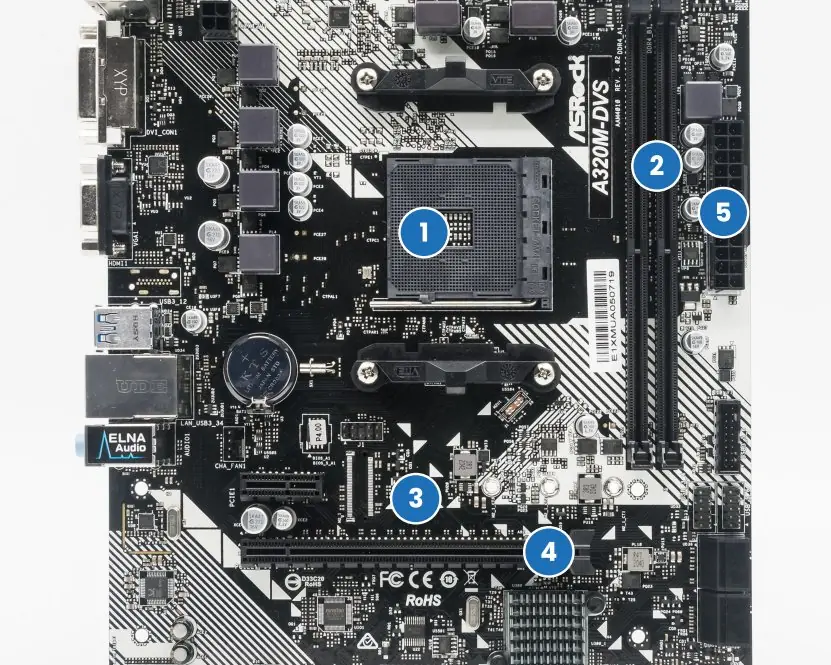
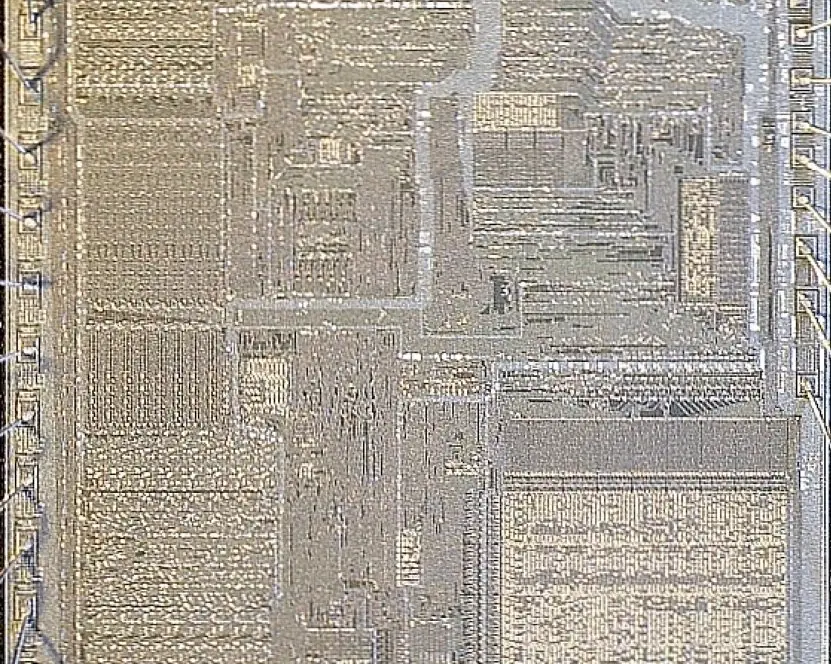
Types by size: supercomputer, mainframe, minicomputer, microcomputer (PC, laptop). The CPU has the ALU (Arithmetic Logic Unit), the control unit and registers; it is called the brain of the computer. Charles Babbage is the "father of the computer".



3.2 Input, output and storage devices, memory
| Input | Output | Storage |
|---|---|---|
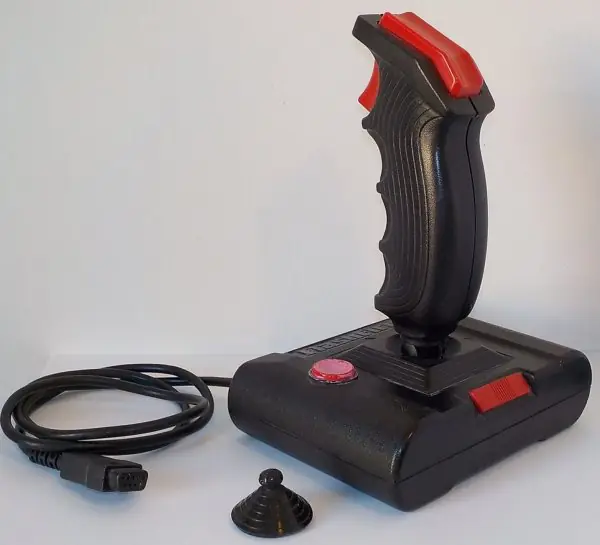
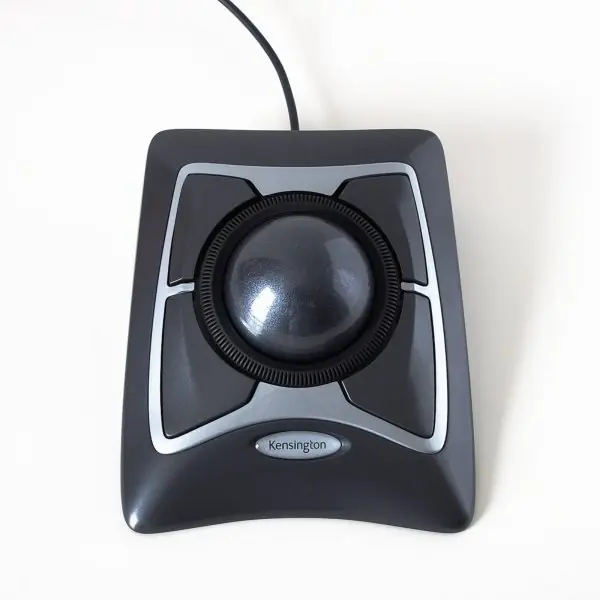
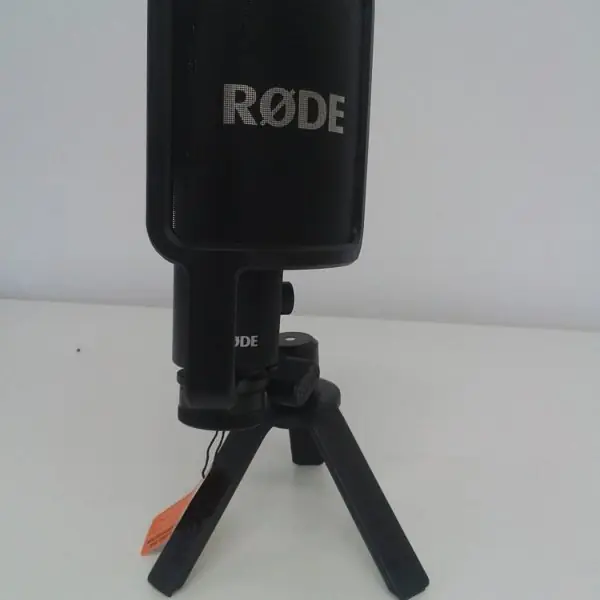
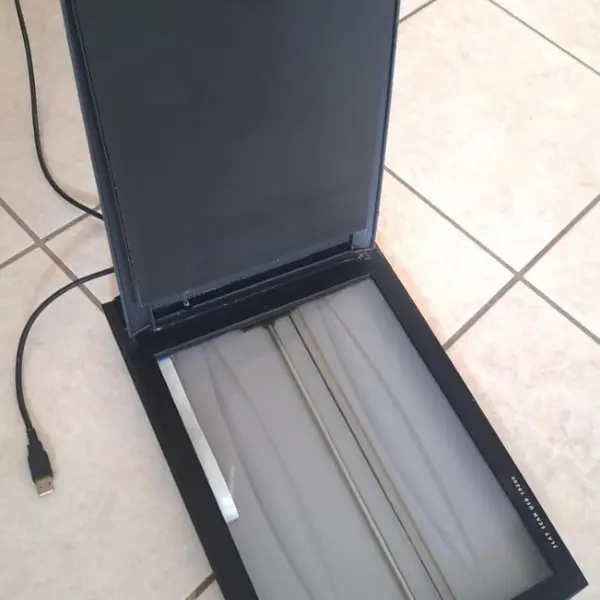
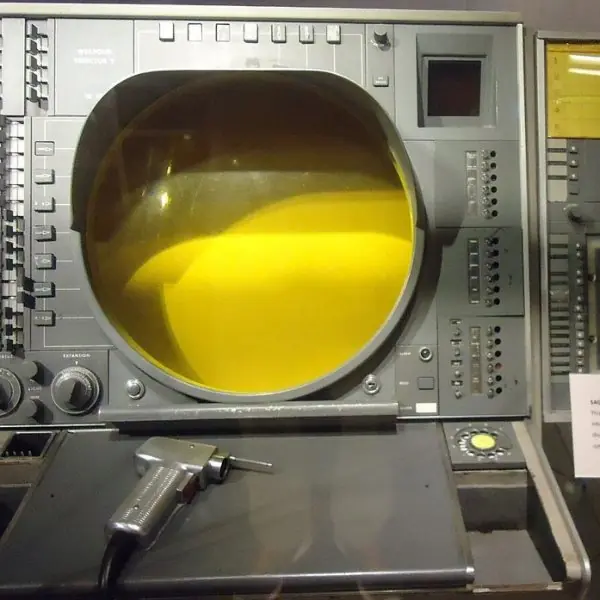
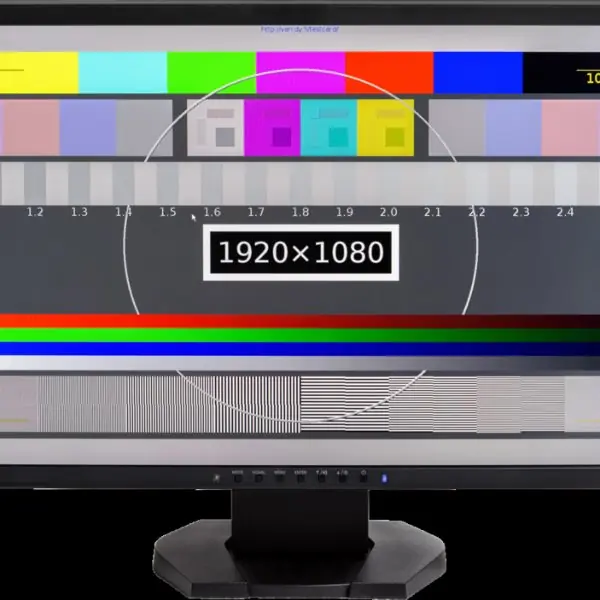
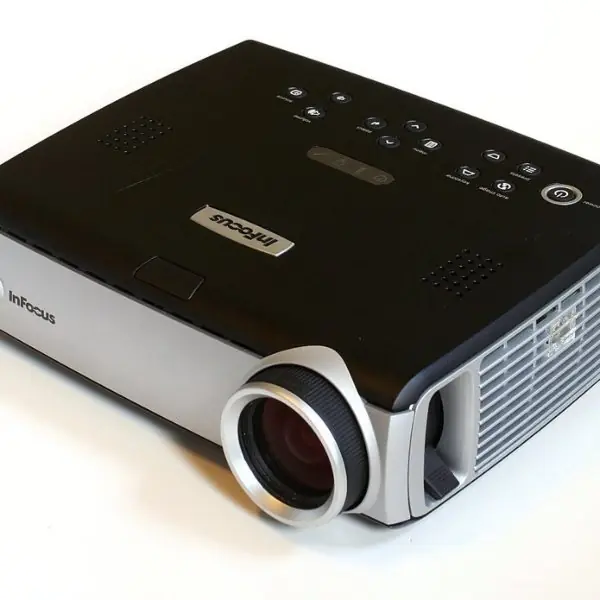
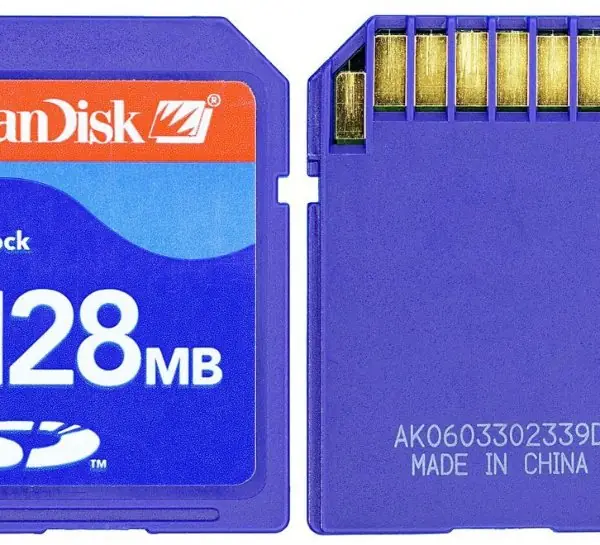
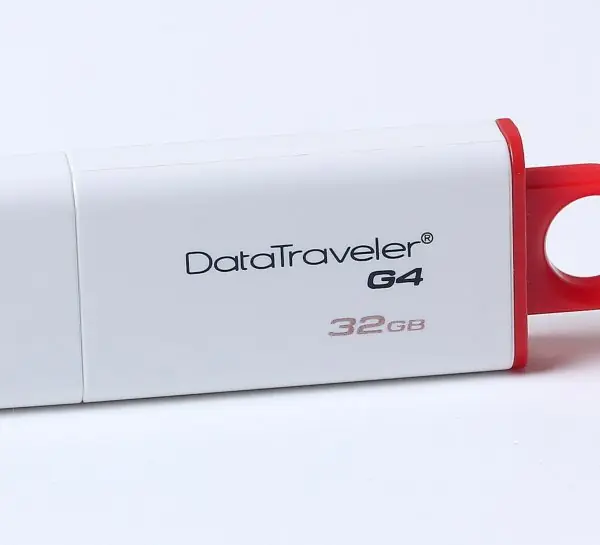
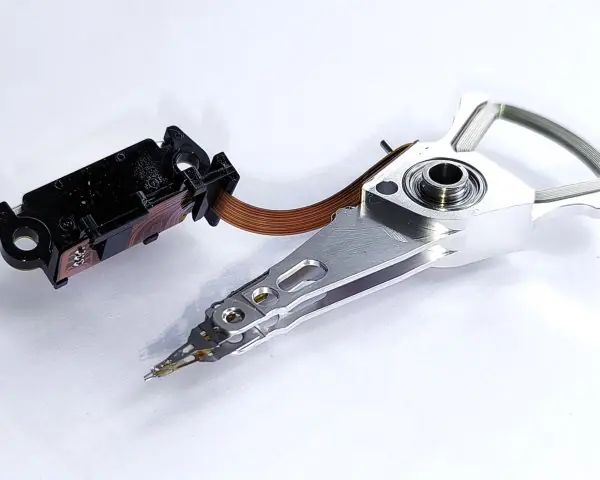
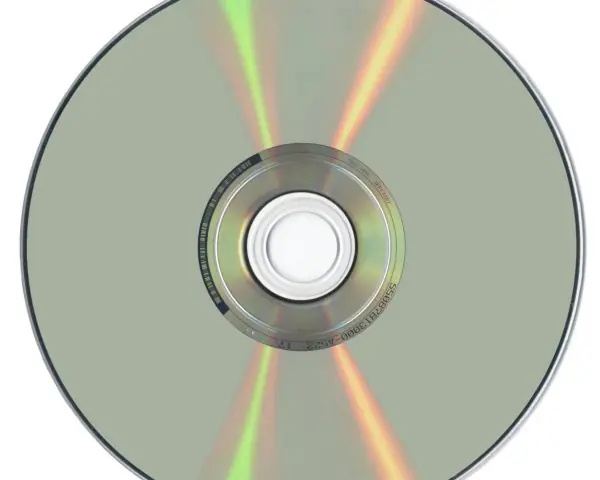
| keyboard, mouse, scanner, microphone, light pen, joystick | monitor, printer, plotter, speaker, projector | HDD, SSD, pen drive, CD/DVD, memory card |
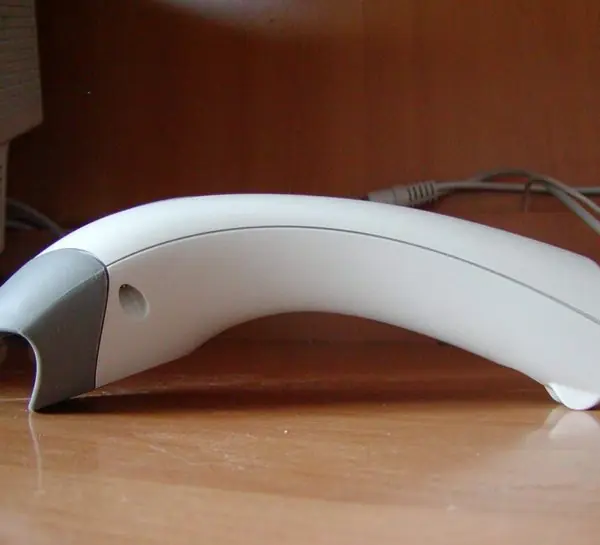
| OCR, OMR, MICR, barcode reader |
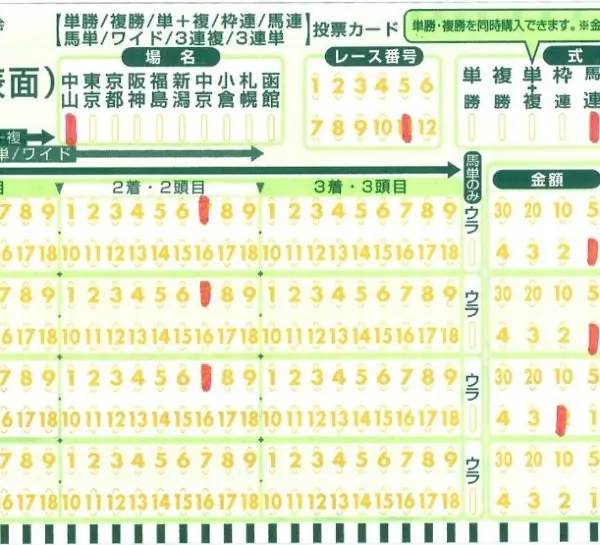
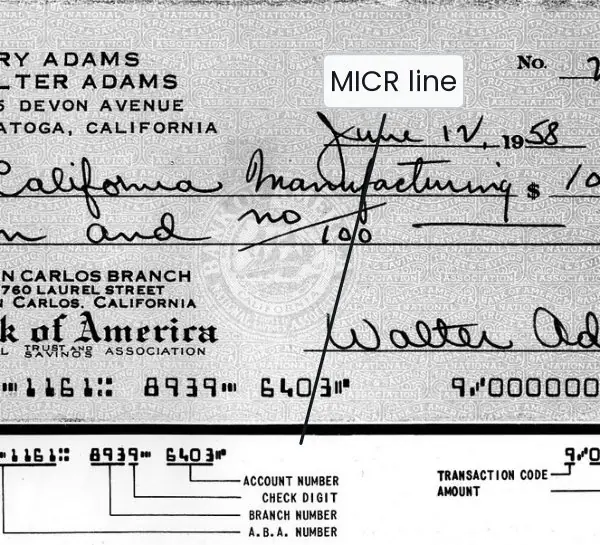
- OMR reads pencil marks (answer sheets); OCR reads printed text; MICR reads magnetic ink on bank cheques. All three are input devices.
- RAM is volatile main memory; ROM is non-volatile; cache is the fastest and sits near the CPU; SSD/HDD are secondary (mass) storage.
- 1 byte = 8 bits; 1 KB = 1,024 bytes; 1 MB = 1,024 KB; 1 GB = 1,024 MB.


3.3 System and application software, operating systems, number systems
- System software: operating system (Windows, Linux, macOS, Android), device drivers, utilities, language translators. Application software: MS Word, Excel, browsers, games.
- An OS manages processes, memory, files and devices. It does not "design web pages".
- Translators: compiler (whole program), interpreter (line by line), assembler (assembly to machine code).
- Number systems: binary (base 2), octal (8), decimal (10), hexadecimal (16, digits 0–9 and A–F). Examples: (1010)_2=10, (13)_{10}=(1101)_2, (17)_8=15, (FF)_{16}=255, A_{16}=10. Four bits make 16 values.


3.4 Eight traps in computer-fundamentals questions
Computer questions look easy, which is why marks leak. These eight traps are drawn from the Dean's Office model (OCR as the odd one out, SSD, the father of the computer) and from past TU entrance papers.
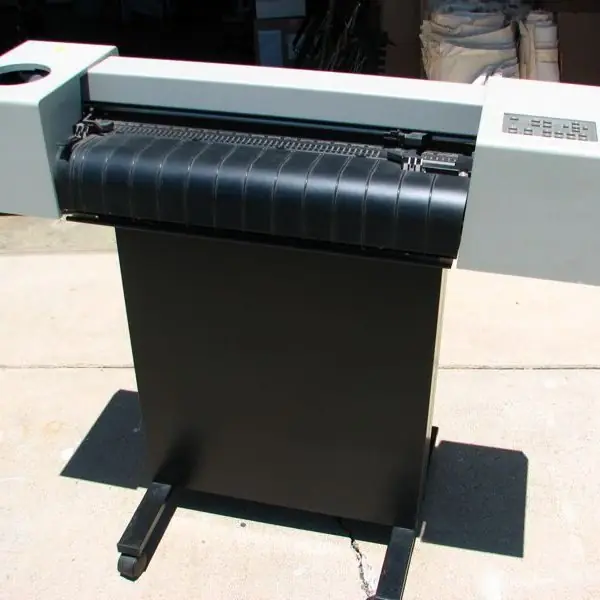
- OCR, OMR and MICR are input devices. They read marks, text or magnetic ink into the computer, so a question "which is not an output device" can have OCR as the correct answer (Fig 3.4). A bank cheque with a MICR line, an exam sheet read by OMR and a barcode at a Bhat-Bhateni till are three Nepali examples. A printer or a plotter, by contrast, only sends results out.
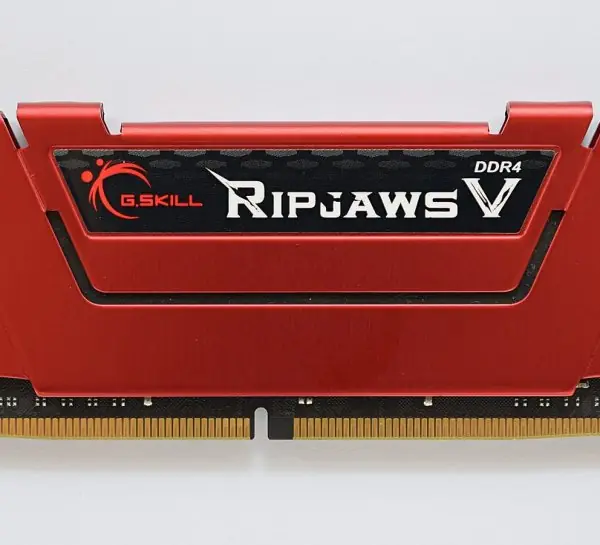
- Volatile means data is lost at power-off. RAM, cache and registers are volatile, while ROM, SSD, HDD and pen drives keep their data. If the stem asks for "the fastest memory" the answer is cache or registers, not RAM. If it asks for "main memory" the answer is RAM.
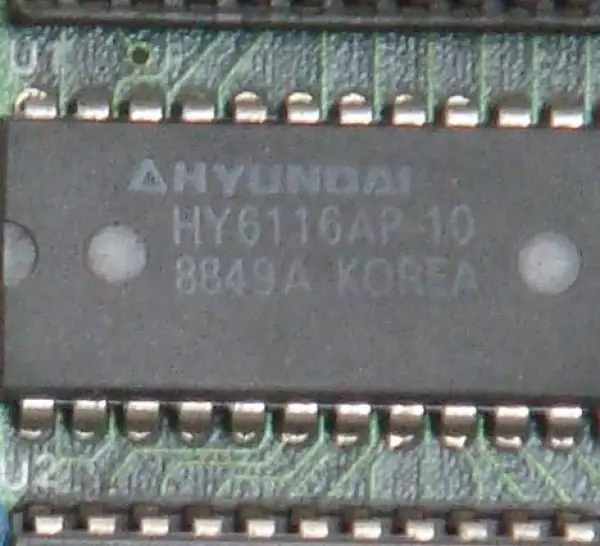
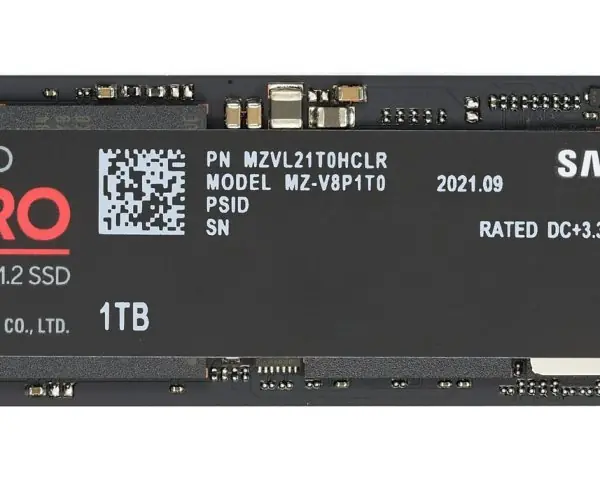
- SSD is storage, not main memory. A solid-state drive uses flash chips but acts as secondary storage, like a hard disk, only much faster because it has no spinning parts (Plate 3.9). Do not choose SSD for "primary memory" or "volatile memory". Remember the order: register, cache, RAM, SSD, HDD.
- 1 KB is 1,024 bytes. The ladder uses powers of 2, so 1 MB = 1,024 KB and 1 GB = 1,024 MB (Fig 3.6). A shop may sell a 500 GB disk using 1 GB = 1,000,000,000 bytes, but the exam key uses 1,024. Convert carefully: 2 GB = 2 x 1,024 = 2,048 MB, and 1 byte is always 8 bits.
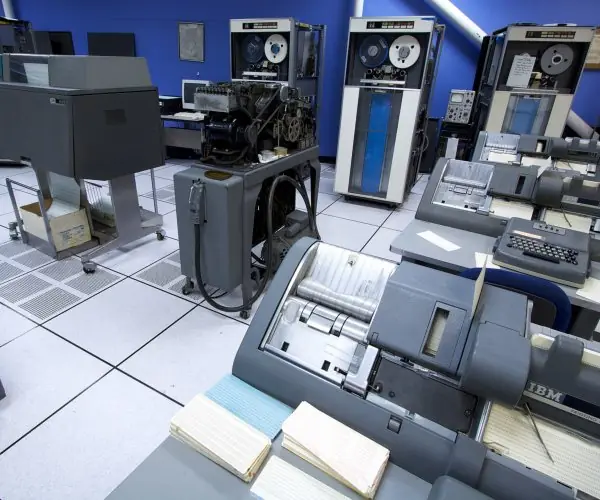
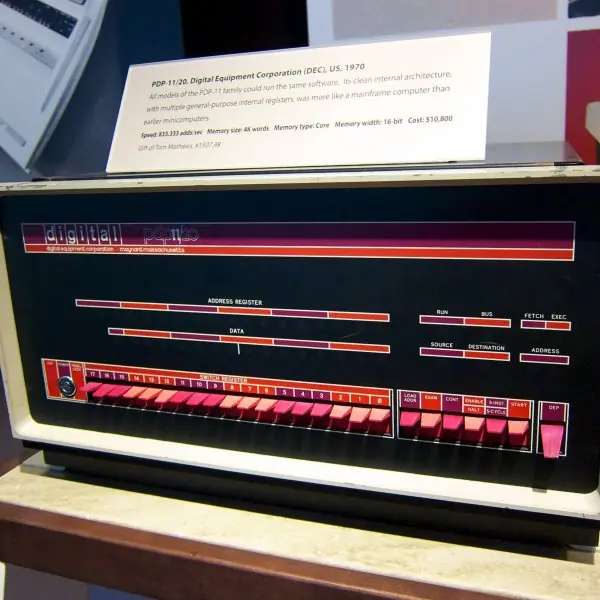
- Match the generation to the technology. First generation is the vacuum tube (ENIAC), second the transistor (IBM 1401, which Nepal used for the 2028 BS census), third the integrated circuit, fourth the microprocessor, and fifth artificial intelligence. A question that says "microprocessor" is the fourth generation even if the machine is a laptop in your hand. Associate each generation with its photograph in Plate 3.1 and you will not mix them up.
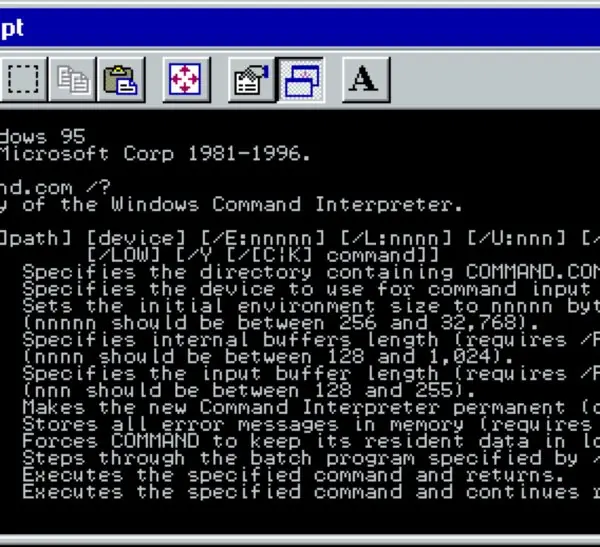
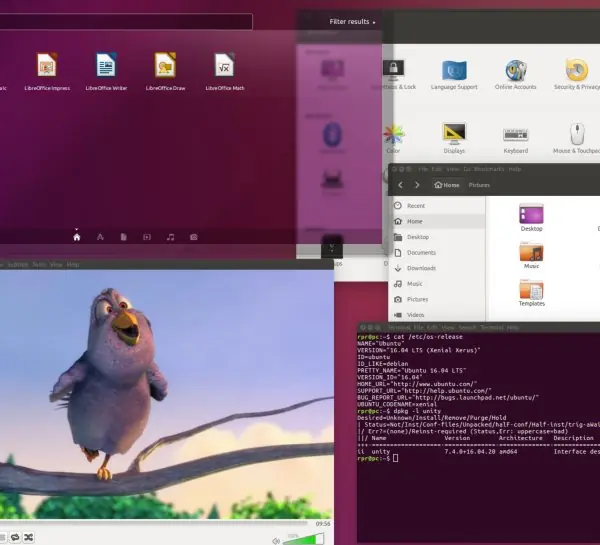
- System software versus application software. The operating system, device drivers, utilities and translators are system software; Word, Excel, a browser and a game are application software (Fig 3.7). Windows and Android are operating systems, so they are system software even though you use them every day. An OS manages processes, memory, files and devices, but it does not design web pages.
- Compiler or interpreter? A compiler translates the whole program at once and produces an executable file, so it is used for C and C++. An interpreter works line by line and stops at the first error, which is how Python and JavaScript normally run. An assembler is the third translator and it converts assembly language, not high-level code (Fig 3.8).
- Number-system digits and base. Binary uses 0 and 1, octal 0-7, decimal 0-9 and hexadecimal 0-9 plus A-F, where A is 10 and F is 15. So (FF)16 = 15 x 16 + 15 = 255, and four bits make 16 values (0 to 15). If a digit is larger than the base allows, such as 8 in an octal number, the option is wrong.
3.4.1 Worked checks
Q. Convert (101111) in binary to hexadecimal and decimal.
Answer. Group from the right in fours: 0010 1111, which is 2 and F, so the hexadecimal number is 2F. In decimal, 2F = 2 x 16 + 15 = 47, and checking directly, 32 + 8 + 4 + 2 + 1 = 47.
If the options include 2F and 47 together, both are consistent. Fig 3.9 shows the same method on the number 214.
Q. Which of the following is not an output device? (a) Plotter (b) Projector (c) OCR (d) Speaker
Answer: (c). A plotter draws large diagrams, a projector throws the screen on a wall and a speaker produces sound, so all three send information out of the computer.
OCR (optical character recognition) reads printed text and sends it into the computer, so it is an input device. The key idea is the direction of the data: into the CPU is input, out of the CPU is output.
Formula and fact sheet
| Item | Fact |
|---|---|
| Vacuum tube / transistor / IC / microprocessor | 1st / 2nd / 3rd / 4th |
| Volatile memory | RAM, cache |
| 1 byte | 8 bits |
| (FF)_{16} | 255 |
Chapter summary
- OCR, OMR, MICR and barcode readers are input devices.
- RAM loses its data when power is off; ROM does not.
- SSD and HDD are storage, not main memory.
- A compiler translates all at once; an interpreter line by line.
- Fourth generation = microprocessor.
Practice questions
Set A — Recall (20 questions)
- Which generation of computers used vacuum tubes?afourthbthirdcseconddfirst
- Second-generation computers usedavacuum tubesbtransistorscintegrated circuitsdmicroprocessors
- The brain of the computer is theaCPUbmonitorcRAMdkeyboard
- Which of these is NOT an output device?aplotterbmonitorcOCRdprinter
- RAM isanon-volatilebvolatilecread-onlydpermanent
- ROM isalost when power is offbfreely writablecvolatilednon-volatile
- One byte equals how many bits?a4b6c8d16
- One kilobyte equals how many bytes?a1,024b1,000c512d8
- Which of these is an input device?aprinterbmonitorcspeakerdscanner
- An SSD is a type ofacache memorybsecondary (mass) storagecRAMdregister
- Which is an operating system?aMS WordbChromecLinuxdExcel
- Which is application software?aMS ExcelbWindowscLinuxdBIOS
- Which is the fastest among these?ahard diskbcache memorycDVDdUSB drive
- ALU stands foraArray Logic UnitbApplied Logic UnitcAdvanced Logical UnitdArithmetic Logic Unit
- The binary form of decimal 5 isa101b110c111d100
- The decimal value of (1010)_2 isa8b12c10d5
- Charles Babbage is known as theainventor of the Internetbfather of the computercinventor of the mousedcreator of Windows
- BIOS stands foraBinary Input Output SoftwarebBasic Integrated Output SystemcBasic Input Output SoftwaredBasic Input Output System
- Fourth-generation computers useavacuum tubesbtransistorscmicroprocessorsdartificial intelligence
- A laptop is aamicrocomputerbmainframecsupercomputerdminicomputer
Answers and explanations — Set A
1. (d) — first generation, 1940–56.
2. (b) — transistors replaced vacuum tubes.
3. (a) — the CPU processes all instructions.
4. (c) — OCR reads text into the computer: an input device.
5. (b) — RAM loses its contents without power.
6. (d) — ROM keeps its contents.
7. (c) — 8 bits.
8. (a) — 1 KB = 2¹⁰ = 1,024 bytes.
9. (d) — a scanner sends data in.
10. (b) — solid-state drives store data permanently.
11. (c) — Linux; the others are applications.
12. (a) — Excel is an application program.
13. (b) — cache is faster than disks.
14. (d) — Arithmetic Logic Unit.
15. (a) — 4 + 1 = 101.
16. (c) — 8 + 2 = 10.
17. (b) — he designed the Analytical Engine.
18. (d) — Basic Input Output System.
19. (c) — the microprocessor era.
20. (a) — personal computers are microcomputers.
Set B — Understanding (12 questions)
- One megabyte equalsa1,000 KBb1,024 KBc512 KBd1,024 bytes
- The decimal value of (FF)_{16} isa16b15c256d255
- The binary form of decimal 13 isa1101b1011c1110d1001
- The decimal value of (17)_8 isa17b14c15d16
- The part of the CPU that fetches and decodes instructions is theaALUbcontrol unitcRAMdROM
- Which is NOT a function of an operating system?amemory managementbfile managementcprocess managementddesigning web pages
- The device that reads pencil marks on answer sheets isaOMRbOCRcMICRdbarcode reader
- MICR is mainly used inaschoolsbhospitalscbanksdcinemas
- A compileratranslates one line at a timebtranslates the whole program at oncecremoves commentsdrepairs hardware
- The translator that converts assembly language into machine code is theacompilerbinterpreterclinkerdassembler
- Which memory is volatile?aROMbHDDcRAMdSSD
- The binary form of decimal 10 isa1010b1001c1100d1111
Answers and explanations — Set B
1. (b) — 1,024 KB.
2. (d) — 15 × 16 + 15 = 255.
3. (a) — 8 + 4 + 1.
4. (c) — 1 × 8 + 7 = 15.
5. (b) — the control unit.
6. (d) — web design is done with application tools.
7. (a) — optical mark recognition.
8. (c) — cheque processing.
9. (b) — an interpreter works line by line.
10. (d) — assembler.
11. (c) — RAM loses data when power is off.
12. (a) — 8 + 2.
Set C — Application (8 questions)
- The binary sum 101 + 11 equalsa1000b1001c110d1010
- The number of bits needed to represent 16 distinct values isa3b8c4d16
- One gigabyte equalsa1,000 MBb1,024 MBc100 MBd512 MB
- The decimal value of the hexadecimal digit A isa11b9c12d10
- The largest value in one byte isa127b128c255d256
- The integrated circuit was introduced in theathird generationbfirst generationcsecond generationdfourth generation
- The first general-purpose electronic digital computer wasaMark IbAltaircApple IdENIAC
- The CPU consists ofaRAM and ROM onlybALU, control unit and registerscmonitor and keyboarddprinter and scanner
Answers and explanations — Set C
1. (a) — 5 + 3 = 8 = 1000.
2. (c) — 2⁴ = 16.
3. (b) — 1,024 MB.
4. (d) — A is 10 in hexadecimal.
5. (c) — 11111111 = 255.
6. (a) — third generation (1964–71).
7. (d) — ENIAC (1945).
8. (b) — ALU, control unit and registers.